# Text to Speech Reader: Turn Written Content Into Natural-Sounding Audio
Reading is something we do every day.
We read emails, articles, assignments, news, messages, instructions, reports, and countless other types of content. But sometimes sitting down and reading a long piece of text isn't convenient. You might be driving, cooking, exercising, working, or simply tired after a long day.
Wouldn't it be easier if your written content could simply be read aloud to you?
That's exactly where a Text to Speech Reader can help.
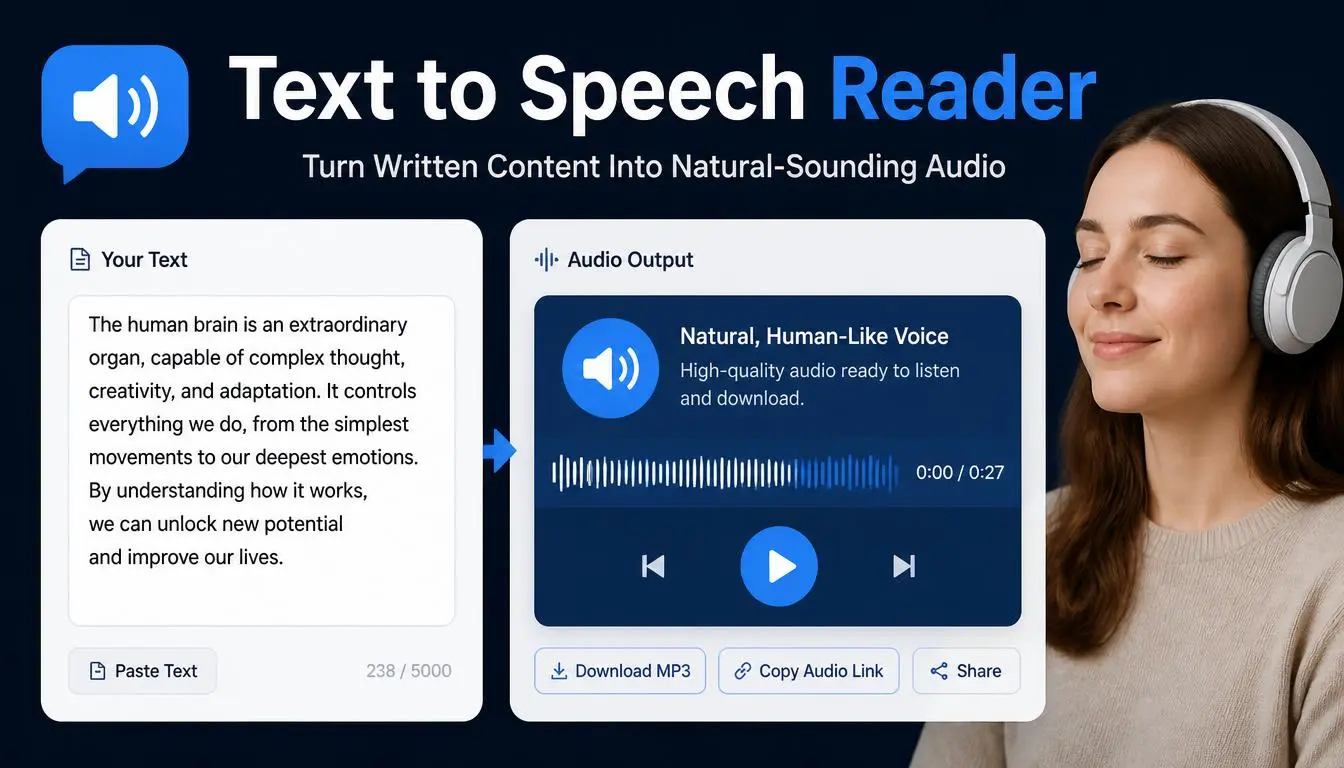
A Text to Speech Reader converts written text into spoken audio. Instead of reading every sentence yourself, you can paste text into the tool and listen to it being read aloud.
For students, professionals, writers, content creators, language learners, and anyone who spends a lot of time working with text, this can be a surprisingly useful way to consume and review information.
## What Is a Text to Speech Reader?
A Text to Speech Reader, often called TTS, is a tool that converts written words into computer-generated speech.
You provide the text, and the system processes the words and produces spoken audio.
For example, you could paste:
"Welcome to our website. Today we're going to learn how to improve your writing."
Instead of reading it silently, you can listen to the sentence being spoken.
Modern text-to-speech technology can produce speech that sounds much more natural than older computer-generated voices.
The exact voice, pronunciation, speed, and available languages depend on the tool being used.
## Why Use Text to Speech?
There are many reasons someone might prefer listening to text instead of reading it.
Perhaps you're busy and want to consume information while doing another activity.
Maybe you're proofreading an article and want to hear how the sentences sound.
Perhaps you're learning English and want to improve your listening and pronunciation skills.
Or maybe you simply enjoy listening to articles rather than reading them.
Text to speech gives written information another format.
Instead of treating text as something that must always be read silently, you can turn it into audio and experience the content differently.
## Text to Speech for Students
Students spend a huge amount of time reading.
Textbooks, lecture notes, research papers, study materials, assignments, and online resources can quickly add up.
Listening to selected material can provide another way to review information.
For example, a student might prepare notes about an upcoming exam and use a Text to Speech Reader to listen to those notes while walking or commuting.
This doesn't necessarily replace traditional studying.
Instead, it can complement it.
Some students find that hearing information helps them stay engaged, particularly when they're reviewing familiar material.
## Text to Speech for Language Learners
Learning a new language requires exposure to both written and spoken language.
A Text to Speech Reader can help bridge that gap.
Suppose you're learning English and have a paragraph that you understand when reading but struggle to pronounce.
You can listen to the text being spoken and pay attention to:
- Pronunciation
- Word stress
- Sentence rhythm
- Pauses
- Intonation
- Individual sounds
You can then read the sentence aloud yourself.
This creates a simple practice cycle:
Read → Listen → Repeat → Compare → Practice
A TTS tool isn't a replacement for a teacher or native speaker, but it can provide convenient listening practice.
## Text to Speech for Writers
Writers often become too familiar with their own work.
After reading the same paragraph several times, your brain may automatically overlook awkward wording or missing words because you already know what the sentence is supposed to say.
Listening to the text can reveal problems that are harder to notice when reading silently.
For example, a sentence might look perfectly acceptable on the screen but sound awkward when spoken.
You may suddenly notice:
"This sentence is too long."
"That phrase sounds repetitive."
"This transition doesn't feel natural."
Hearing your writing gives you a different perspective.
That's why text-to-speech can be a useful proofreading companion.
## Text to Speech for Bloggers
Bloggers can use TTS to review articles before publishing.
Imagine you've written a 2,000-word blog post.
You've read it several times.
Instead of reading it again silently, paste the article into a Text to Speech Reader and listen.
As the article is spoken, you may notice places where:
- A sentence is too complicated
- A paragraph feels repetitive
- The tone changes unexpectedly
- A transition is weak
- A word appears too frequently
Listening doesn't replace proofreading, but it adds another layer of review.
## Text to Speech for Content Creators
Content creators constantly work with scripts.
You might write a script for:
- YouTube videos
- Podcasts
- Presentations
- Short videos
- Tutorials
- Educational content
- Voice-over projects
Before recording, you can use text-to-speech to listen to the script.
This can help you identify whether the script sounds natural when spoken.
A sentence that looks good on paper isn't necessarily a good sentence for narration.
Spoken content usually benefits from natural rhythm and relatively clear sentence structure.
Listening to your script before recording can save time and reduce unnecessary retakes.
## Text to Speech for Accessibility
Text-to-speech technology can also support accessibility.
Some people find listening easier than reading for certain types of content.
TTS can provide another way to access written information.
It may be useful for people who:
- Prefer auditory learning
- Have difficulty reading for long periods
- Want to reduce visual fatigue
- Need an alternative way to consume digital text
Accessibility needs vary from person to person, so TTS should be viewed as one helpful option among many.
## Listen While Multitasking
One of the biggest advantages of text-to-speech is flexibility.
You can potentially listen to text while doing other low-attention activities.
For example, you might listen to your notes while:
- Walking
- Exercising
- Cooking
- Organizing your workspace
- Commuting as a passenger
- Preparing for the day
Of course, safety comes first. You should never use a device or interact with a text-to-speech tool while driving or performing an activity that requires your full attention.
## Text to Speech for Professionals
Professionals work with written information constantly.
Reports, emails, proposals, presentations, documentation, and meeting notes can all become easier to review when you have the option of listening.
For example, before sending a client proposal, you could listen to the document.
Hearing the words may help you notice overly complicated sentences or sections that don't flow naturally.
This can be particularly helpful when the document will eventually be presented verbally.
## Text to Speech for Presentations
If you're preparing a presentation, reading your script aloud is an important part of practice.
A Text to Speech Reader can help you hear how your script flows before you practice delivering it yourself.
You can listen for:
- Long pauses
- Repetitive wording
- Difficult phrases
- Awkward transitions
- Sentences that are too long
Once you've refined the script, you can practice speaking it naturally.
The goal isn't to sound like a machine.
The goal is to create a script that sounds comfortable when a real person says it.
## Text to Speech and Pronunciation
TTS can be helpful when you're unsure how a word or phrase should sound.
Listening to the pronunciation can give you a useful reference.
For language learners, this can be especially valuable when encountering unfamiliar vocabulary.
However, computer-generated pronunciation isn't always perfect.
Names, technical terms, regional words, abbreviations, and unusual spellings may sometimes be pronounced incorrectly.
When accuracy matters, verify important pronunciation with a reliable dictionary, language resource, or human speaker.
## Text to Speech for Long Articles
Long-form content can be tiring to read.
A long article may contain thousands of words.
Instead of reading the entire piece in one sitting, some people may prefer listening to it in sections.
You can use text-to-speech to turn portions of the article into audio and consume the information at your own pace.
This can make long reading sessions feel more flexible.
You can pause whenever you want and return later.
## Text to Speech for Emails
Not every email needs to be converted into audio.
But for long or important emails, listening can sometimes help.
For example, if you're preparing a detailed message to a client, you can listen to the draft before sending it.
You may notice that a sentence sounds too formal, a paragraph is too long, or your main point isn't clear enough.
Reading and listening provide two different perspectives.
## Text to Speech for Researchers
Researchers often deal with large amounts of written material.
Academic papers, reports, articles, and research notes can take hours to read.
Text-to-speech can provide an alternative way to review selected material.
For example, you might listen to a paper while organizing notes or preparing your workspace.
However, when conducting serious research, listening should not replace careful reading of important details, tables, references, formulas, or technical material.
For complex information, visual reading remains essential.
## How Does a Text to Speech Reader Work?
The basic process is relatively simple.
### Step 1: Enter Your Text
Type or paste the content you want to hear.
### Step 2: Process the Text
The TTS system analyzes the written language.
### Step 3: Convert Text Into Speech
The system generates spoken audio using a synthetic voice.
### Step 4: Listen
You can play the generated speech and follow along with the text if the tool provides that option.
Some systems may offer additional settings such as voice selection, language, or speaking speed.
## How to Get Better Results From Text to Speech
The quality of the audio often depends partly on the quality of the written text.
If your content contains:
- Missing punctuation
- Unusual abbreviations
- Random capitalization
- Extremely long sentences
- Spelling mistakes
the speech may not sound natural.
Before converting your text, consider cleaning it up.
For example, adding punctuation can help create more natural pauses.
Instead of:
"Hello welcome to our website today we will explain how this tool works"
try:
"Hello, and welcome to our website. Today, we'll explain how this tool works."
The second version is easier for both humans and speech systems to interpret.
## Text to Speech and Human Emotion
Computer-generated speech has improved significantly, but it still isn't the same as human performance.
A professional voice actor can communicate subtle emotions such as excitement, hesitation, humor, empathy, and sarcasm.
A TTS system may reproduce some expressive qualities, but the experience depends on the technology and voice being used.
This is important when creating professional audio content.
For casual listening and text review, TTS can be extremely useful.
For high-end storytelling or commercial voice work, human narration may still be preferred.
## Privacy Considerations
When using any online tool, it's worth thinking about the type of information you're entering.
Avoid putting sensitive personal information, confidential business documents, private customer data, passwords, or other highly confidential material into a tool unless you understand how that service handles your information.
For public articles, general notes, and non-sensitive text, a text-to-speech tool can be a convenient option.
Always review the privacy practices of the specific service you're using when confidentiality matters.
## Benefits of Using a Text to Speech Reader
A Text to Speech Reader can offer several practical benefits.
### Makes Content More Flexible
You can listen instead of only reading.
### Helps With Proofreading
Hearing your writing can reveal problems that silent reading misses.
### Supports Language Learning
It provides convenient exposure to pronunciation and spoken language.
### Saves Time
You can listen to selected content during suitable activities.
### Improves Script Review
Content creators can hear how a script sounds before recording.
### Provides Another Accessibility Option
Some users prefer auditory access to written information.
### Easy to Use
Most basic text-to-speech tools require little or no technical knowledge.
## Who Should Use a Text to Speech Reader?
A TTS tool can be useful for:
- Students
- Writers
- Bloggers
- Freelancers
- Researchers
- Language learners
- Content creators
- Teachers
- Professionals
- Website owners
If you regularly work with written content, listening to that content can provide a useful alternative perspective.
## Frequently Asked Questions
### What is a Text to Speech Reader?
A Text to Speech Reader converts written text into computer-generated spoken audio.
### Can students use text-to-speech tools?
Yes. Students can use them to review notes, practice language skills, and listen to selected study materials.
### Can text-to-speech help with proofreading?
Yes. Listening to your writing can help you notice awkward sentences, repetition, and other issues that may be easy to miss when reading silently.
### Can I use TTS to learn English?
Yes. Listening to English text being spoken can provide useful pronunciation and listening practice.
### Does text-to-speech sound exactly like a human?
Not always. Modern systems can sound natural, but quality and expressiveness vary depending on the technology and voice.
### Is text-to-speech useful for content creators?
Yes. Creators can use it to review video scripts, narration, presentations, and other spoken content before recording.
## Final Thoughts
We usually think of writing and reading as inseparable.
But written information doesn't always have to stay on the page.
With a Text to Speech Reader, you can turn written content into spoken audio and experience your words in a completely different way.
For students, it can provide another way to review information.
For language learners, it can support pronunciation practice.
For writers, it can reveal problems that silent reading misses.
For content creators, it can help test scripts before recording.
And for busy people, it can make certain types of information easier to consume.
The most valuable feature may be the simplest one: **hearing your own words differently**.
Sometimes a sentence looks perfect when you read it.
Then you hear it aloud and immediately realize it could be better.
That's why text-to-speech isn't just about turning text into audio. It can also become another useful step in the process of creating, reviewing, and understanding written content.