
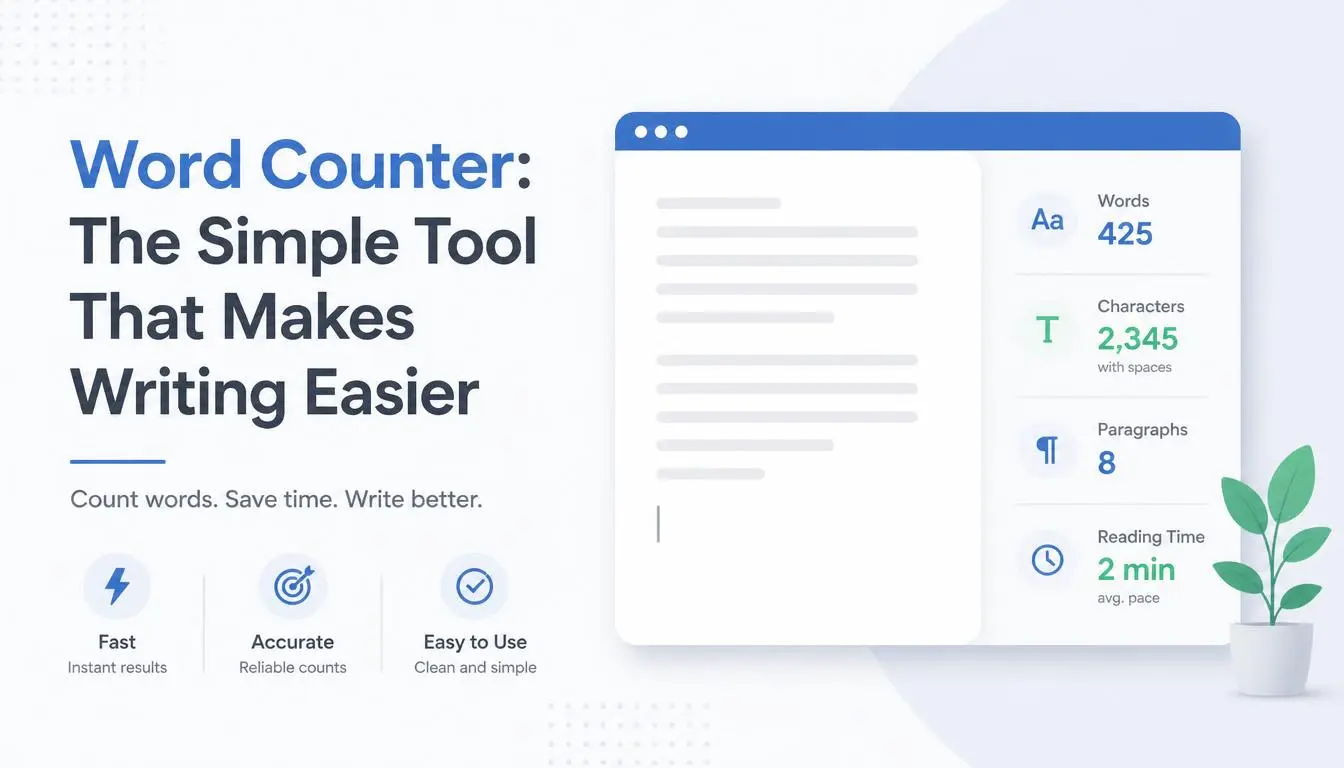
Word Counter: The Simple Tool That Makes Writing Easier
When you're writing an article, essay, assignment, application, social media post, or professional document, one small detail can suddenly become important: How many words have I written?
At first, counting words may not seem like a difficult task. But when a document becomes hundreds or thousands of words long, manually checking the length becomes inconvenient. This is especially true when you're working with strict requirements such as a 500-word essay, a 1,500-word blog post, or a 2,000-word article.
That's where a Word Counter becomes useful.
A Word Counter is a simple online writing utility that tells you how many words are contained in a piece of text. Instead of manually estimating the length of your content, you can paste your text into a word counter and get the result almost instantly.
It may be a small tool, but for students, writers, freelancers, marketers, editors, and website owners, it can become part of an everyday writing workflow.
## What Is a Word Counter?
A Word Counter is an online tool designed to calculate the number of words in a text.
You simply enter or paste your content into the tool, and it analyzes the text to determine its word count.
For example, imagine you've been asked to write a 1,000-word article.
You finish writing and think you've reached the target.
Instead of guessing, you can paste the article into a Word Counter and immediately see whether you've written 800, 950, 1,000, or 1,200 words.
This makes it easier to control the length of your writing.
## Why Does Word Count Matter?
Word count matters in many different situations.
A teacher may ask students to submit an essay between 1,000 and 1,500 words.
A client may order a 2,000-word SEO article.
A website may require a specific length for a guest post.
A writer may want to keep a blog post concise.
Even social media platforms and online forms sometimes have text-length restrictions.
Without a word counter, you may have to rely on estimation.
And estimation isn't always accurate.
A document that looks long might contain fewer words than you expect, while a seemingly short document could be much longer.
A word counter removes that uncertainty.
## Word Counter for Students
Students are among the people who can benefit most from a word-counting tool.
Academic assignments frequently have minimum or maximum word requirements.
For example:
"Write an essay of approximately 1,500 words."
If your final draft contains only 900 words, you may need to develop your ideas further.
On the other hand, if you've written 2,500 words for a 1,500-word assignment, you may need to remove unnecessary sections.
A Word Counter gives students a quick way to check their progress.
It can be useful when writing:
- Essays
- Research papers
- Reports
- Assignments
- Personal statements
- Scholarship applications
- Book reviews
- Academic summaries
Rather than worrying about the length while writing every sentence, students can focus on their ideas and check the word count afterward.
## Word Counter for Bloggers
Bloggers also need to pay attention to content length.
There isn't one perfect word count for every blog post. The appropriate length depends on the topic, audience, purpose, and search intent.
However, clients and content teams often specify a target length.
For example:
- 500-word news update
- 1,000-word informational article
- 1,500-word tutorial
- 2,000-word comprehensive guide
A Word Counter makes it easy to see whether your article is close to the requested length.
More importantly, it can help you avoid adding unnecessary words simply to reach a target.
A good article should answer the reader's question effectively—not simply become longer.
## Word Counter for Freelance Writers
Freelance writers frequently work according to client requirements.
A client might say:
"I need a 2,000-word article about digital marketing."
The writer needs to deliver content that meets the requested scope without padding the article with meaningless sentences.
A word counter can be useful before submitting the final project.
It allows freelancers to quickly verify the length of their work and reduce unnecessary back-and-forth with clients.
For writers handling multiple projects, this simple check can become part of the final quality-control process.
## Word Counter for SEO Content
SEO content creators often work with content briefs.
A brief might specify a target length along with headings, keywords, questions, and other requirements.
A Word Counter can help writers monitor the size of their draft.
However, word count should not become the primary goal of SEO writing.
Search engines and readers care about useful, relevant content.
Writing 3,000 words when 1,500 words can answer the reader's question properly doesn't automatically make an article better.
The best approach is to use word count as a planning and quality-control metric, not as a reason to create unnecessary content.
## Word Counter for Social Media Content
Short-form writing can benefit from word counting too.
Social media posts often need to be concise.
When you're preparing a promotional message, announcement, caption, or community post, a word counter can quickly tell you how much you've written.
This is particularly useful when you're experimenting with different versions of the same message.
For example, you might write three versions:
Version A: 45 words
Version B: 72 words
Version C: 110 words
You can then decide which version best fits your audience and platform.
## Word Count and Readability
Word count isn't only about meeting requirements.
It can also help you understand the overall size of a document.
A 300-word article is obviously different from a 3,000-word guide.
Knowing the approximate length helps you plan how much time a reader may need to consume the content.
It can also help editors divide a long article into logical sections.
For example, instead of creating one huge block of text, a 2,000-word article might be organized into several sections with clear headings.
This makes the content easier to scan.
## How to Use a Word Counter
Using an online Word Counter is usually straightforward.
### Step 1: Prepare Your Text
Write your article, essay, email, or other content.
### Step 2: Copy the Text
Select the content you want to analyze.
### Step 3: Paste It Into the Tool
Place your text into the Word Counter.
### Step 4: Check the Result
The tool calculates the number of words.
### Step 5: Adjust Your Content if Necessary
If the word count is too low, consider whether additional useful information is needed.
If it is too high, remove repetition or unnecessary material.
The entire process can take only a few seconds.
## Don't Add Filler Just to Increase Word Count
One common mistake is trying to reach a specific word count by adding sentences that don't provide value.
For example, instead of writing:
"Writing is an important activity that many people do because writing is something people need to do in many situations."
A better approach is to communicate the idea directly:
"Clear writing helps people communicate ideas effectively."
The second sentence is shorter but more useful.
If your article is below the target length, look for opportunities to add useful information, such as:
- Examples
- Explanations
- Practical steps
- Relevant statistics
- Frequently asked questions
- Expert insights
- Case studies
- Additional context
Never increase length simply for the sake of increasing length.
## Word Count vs. Character Count
Word count and character count are not the same thing.
A word count tells you approximately how many words your text contains.
A character count measures individual characters, including letters, numbers, spaces, and punctuation depending on how the tool calculates them.
For example:
"Hello world"
contains two words but significantly more individual characters.
Both measurements can be useful.
Writers generally use word count to understand document length, while character count can be especially useful when working with platforms or fields that impose character limits.
## Why Writers Should Check Their Content Before Publishing
A final word-count check is a simple quality-control step.
Before publishing an article or sending a document to a client, you can use the tool to confirm that the content meets the required length.
This can help prevent avoidable problems.
Imagine spending hours researching and writing an article only to discover that the client specifically requested 2,000 words and your final draft contains 1,200.
A quick word-count check before delivery could have identified the problem immediately.
## Word Counter for Content Teams
Content agencies and marketing teams can also benefit from word-counting tools.
When multiple writers work on the same project, consistent content requirements become important.
Editors can use word count to quickly review whether articles are approximately within the requested range.
For example, an editorial workflow might require:
Short articles: 600–900 words
Standard articles: 1,000–1,500 words
Long-form guides: 1,800–2,500 words
These ranges make planning easier.
## Word Counter and Editing
Word counting can also be useful during editing.
Suppose your original article is 2,500 words, but the editor believes it should be closer to 1,800.
Instead of randomly deleting sentences, you can identify:
- Repeated explanations
- Unnecessary introductions
- Redundant examples
- Weak paragraphs
- Repeated conclusions
- Excessive filler
Reducing word count can actually make writing stronger.
Good editing isn't always about adding more.
Sometimes it's about knowing what to remove.
## Use a Word Counter as Part of Your Writing Workflow
A simple writing workflow could look like this:
Research → Outline → Draft → Word Count → Edit → Proofread → Final Word Count → Publish
The first word-count check helps you understand how much you've written.
The final check confirms that the finished piece meets your requirements.
This is particularly useful for professional writers who produce content regularly.
## Can AI Help With Word Count?
AI writing assistants can generate, expand, summarize, or rewrite content, but an actual word-counting tool can provide a straightforward way to check the text you are working with.
If you use AI to create a draft, don't assume the stated word count is correct.
Copy the final version into a reliable Word Counter and verify it yourself.
This is especially important when a client or institution has strict requirements.
## Who Should Use a Word Counter?
A Word Counter can be useful for almost anyone who works with written text.
### Students
For essays, assignments, and academic papers.
### Bloggers
For planning and checking article length.
### Freelance Writers
For meeting client specifications.
### Copywriters
For controlling the length of marketing copy.
### Teachers
For setting and checking writing assignments.
### Editors
For reviewing document length.
### Researchers
For preparing papers and reports.
### Website Owners
For creating structured online content.
### Job Seekers
For applications, personal statements, and professional documents.
## Frequently Asked Questions
### What is a Word Counter?
A Word Counter is an online tool that calculates how many words are contained in a piece of text.
### Is a Word Counter useful for students?
Yes. Students can use it to check essay, assignment, report, and research-paper length.
### Can bloggers use a Word Counter?
Absolutely. Bloggers can use it to monitor article length and ensure that content meets editorial or client requirements.
### Does a higher word count mean better content?
No. Quality, relevance, usefulness, originality, and readability are more important than simply having more words.
### Can I use a Word Counter for an essay?
Yes. It is particularly useful when an instructor provides a minimum or maximum word requirement.
### Is word count the same as character count?
No. Word count measures words, while character count measures individual characters.
## Final Thoughts
Writing can sometimes feel like a balancing act.
You want to explain your ideas thoroughly, but you also don't want to overwhelm your reader. At the same time, you may need to meet a specific word requirement.
A Word Counter provides a simple solution.
With just a quick copy and paste, you can see how long your content is and make informed decisions about what to add, remove, or leave unchanged.
For students, it can help with assignments.
For bloggers, it can support content planning.
For freelancers, it can help meet client requirements.
For editors, it can simplify document review.
And for anyone who writes regularly, it can become a small but valuable part of the writing process.
The most important thing to remember is that word count is a measurement, not a measure of quality.
Don't write more simply to make a number larger.
Write enough to communicate your idea clearly, answer the reader's question, and provide genuine value.
Then use a Word Counter to make sure your finished work fits the requirements.
Sometimes, the simplest tools are the ones that save the most time.